Optimizing UI/UX for performance
Techniques for designing interfaces that are fast, responsive, and user-friendly.
Performance is part of the interface. People experience a product through how quickly content appears, how steadily the page holds its shape, and how promptly it responds to input. A polished screen that feels slow is still a poor user experience.
Design the loading sequence
Show the most useful content first. A page does not need every image, widget, and analytics script before the visitor can begin reading or acting.
- Prioritize the main heading, essential content, and primary action.
- Reserve image dimensions so the layout does not jump.
- Load below-the-fold media only when it is needed.
- Use a clear progress state for actions that cannot finish immediately.
A loading state should explain what is happening without pretending that an unknown wait has a precise duration.
Reduce interaction delay
Every tap or click should produce immediate feedback. Keep event handlers small, avoid unnecessary client-side work, and move expensive tasks away from the critical interaction when possible.
Animation should support comprehension. Prefer simple transforms and opacity changes, respect reduced-motion preferences, and remove effects that delay navigation or input.
Make responsive layouts efficient
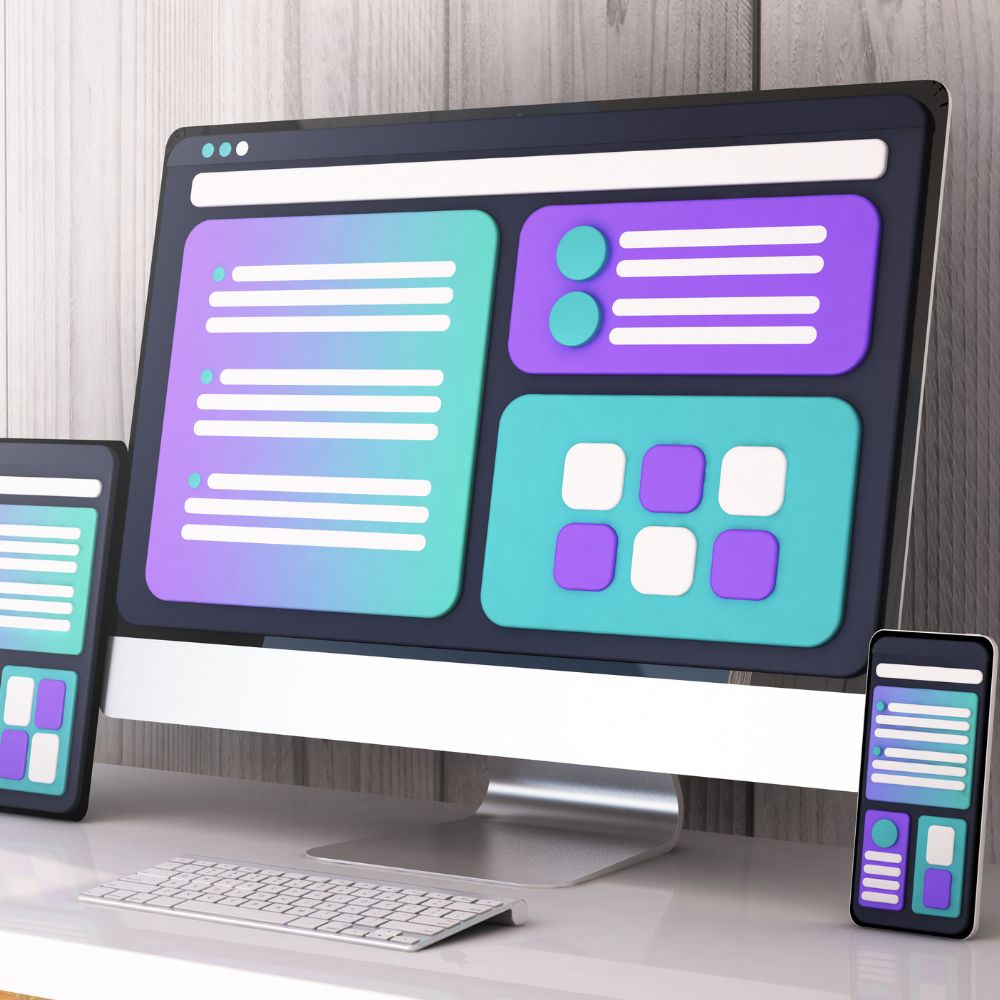
Responsive design is more than resizing a desktop screen. Each viewport should receive the same information hierarchy with controls that fit its input method and available space. Avoid shipping large assets that are never displayed at their delivered size.
Test with real constraints
Fast office hardware and broadband can hide problems. Test on a representative mobile device, with a slower network, and with production-sized content. Measure Core Web Vitals, but also complete the key user journey and notice where the experience hesitates.
Final thought
Performance work succeeds when it protects attention. Deliver the important content first, respond to input quickly, and keep the page visually stable. The interface will feel simpler because it asks the user to wait and recover less often.
Subscribe to my newsletter for updates and tips on my latest projects and products.
Crafting timeless design through clarity, precision, and collaboration.
We won't spam you on weekdays, only on weekends.